
Decoding the technologies of tomorrow, today.
Exploring the breakthrough innovations shaping our world. From AI infrastructure and robotics to biotech, quantum computing, and spatial tech.
Exploring the breakthrough innovations shaping our world. From AI infrastructure and robotics to biotech, quantum computing, and spatial tech.
For years, using an AI model usually meant sending a prompt to a remote server and waiting for the answer to come back. That approach is still useful, especially when a task requires very large models or substantial cloud infrastructure. But it is no longer the only practical option.
A growing range of local AI models can run directly on a personal computer, workstation, or other device. Models such as Google's Gemma family and Microsoft's Phi models are available in versions designed for local deployment, while tools such as Ollama and llama.cpp make local inference accessible without building an AI system from scratch.
Running AI locally is not automatically better than using a cloud service. Personal hardware has limits in memory, processing power, model size, and energy consumption. The appeal comes from having more control over where computation happens and how the system is used.
For certain users, that control is the main reason to run AI locally.
A local AI model is a model whose inference takes place on hardware controlled by the user or organization rather than on a remote AI provider's servers.
The hardware might be a desktop with a discrete GPU, a laptop with an AI accelerator, a Mac using Apple silicon, or another compatible device. Microsoft, for example, provides local LLM options through Windows AI technologies, including Phi Silica on supported Copilot+ PCs and additional open models through Windows ML.
The model itself also matters.
Modern local AI does not necessarily mean downloading an enormous model intended for a data center. Smaller models can be surprisingly capable for focused tasks. Google's Gemma 3 family, for example, is available in multiple sizes and supports tasks including question answering, summarization, image understanding, and reasoning.
Local AI therefore covers a broad range of systems, from relatively small models running on laptops to much larger models running on high-memory workstations.
The most obvious advantage of local inference is that sensitive prompts do not necessarily have to leave the device.
Consider a writer analyzing an unpublished manuscript, a business reviewing internal documents, or a developer working with proprietary material. With a properly configured local system, the model can process that information without sending the actual prompt and documents to a third-party inference service.
Apple describes its on-device AI technologies as capable of running models entirely on-device, with no server dependency.
That does not mean “local” automatically equals “private.”
An application can still have network functionality, extensions can transmit information, and a user can accidentally connect a local workflow to a cloud service. Local systems can also retain prompts, logs, or model-related files on disk.
Privacy therefore depends on the entire application and network configuration, not simply on where the model's main inference process runs.

A second advantage is offline operation.
Once the necessary model and software are installed, many local AI workflows can continue without an active internet connection. That can be useful while traveling, working in locations with unreliable connectivity, or operating systems that need to remain disconnected from external networks.
Offline access can also make AI feel more like an ordinary computer application. A document summarizer, transcription system, writing assistant, or private knowledge tool does not necessarily need to contact a remote service every time it is used.
There is a practical limitation, however: an offline model cannot automatically know what happened on the internet five minutes ago. Current news, live prices, updated websites, and other changing information still require an appropriate external data source.
Cloud AI services typically determine which models are available, when models are updated, and which features or usage limits apply.
Local deployment gives users more control over those decisions.
A developer can select a particular model version, keep it unchanged for testing, compare different models, adjust inference settings, or build an application around a local inference server.
Projects such as llama.cpp are designed to make local inference practical across a wide range of hardware. The project supports Apple silicon, NVIDIA and AMD GPUs, CPUs, Vulkan, and other backends, while quantization can reduce memory requirements for supported models.
That flexibility is valuable when reproducibility matters. If a workflow depends on a particular model's behavior, keeping a known model version locally can make experiments easier to repeat.
Running an AI model locally used to be associated mainly with specialized enthusiasts. Hardware improvements have broadened the range of systems capable of doing it.
Modern consumer GPUs provide substantial AI acceleration, while CPUs and integrated accelerators can handle smaller models. NVIDIA provides guidance for running local AI across GeForce RTX, RTX PRO, and other hardware, with model capacity depending heavily on available memory.
Apple has taken a different approach by combining CPU, GPU, and unified memory architecture. Its developer materials describe on-device AI technologies and MLX as tools for running and developing AI workloads directly on Apple silicon.
The important specification is often memory, not simply the name of the processor.
A model has to fit into available GPU memory, unified memory, or system RAM efficiently enough to generate responses at a useful speed. Quantized models can reduce memory requirements, which is one reason local inference has become more practical on consumer hardware. llama.cpp, for example, supports several levels of integer quantization.
Another attraction is the economics of repeated use.
A cloud AI service generally operates on remote computing infrastructure, with pricing or usage limits determined by the provider. A local system requires an upfront investment in hardware and ongoing electricity and maintenance costs, but using an already-owned computer does not necessarily create a separate charge for every prompt.
That can be attractive for developers who repeatedly run experiments, summarize large amounts of material, or build applications that make frequent model calls.
However, local AI is not automatically cheaper.
A powerful GPU can be expensive. Electricity has a cost. Large models require substantial memory and storage, and maintaining local infrastructure takes time. For occasional users, paying for a cloud service may be considerably simpler and more economical.
The financial advantage of local AI depends heavily on workload and hardware.
The strongest case for local AI is often not general-purpose chat.
Smaller models can be particularly useful when the task is narrow and predictable. A system might classify documents, extract information, summarize local files, assist with internal search, or provide a specialized interface for an organization's own data.
Google describes Gemma as available in different parameter sizes and task-specialized variations, making it possible to select a model according to available computing resources and the intended application.
Microsoft similarly provides local models and APIs intended for Windows applications, including options that use device hardware such as NPUs.
This changes the design question from “How do I run the biggest model?” to “What is the smallest model that does this particular job well enough?”
For many local applications, that is the more useful question.
Personal hardware still has hard limits.
A desktop GPU with limited VRAM cannot magically run a huge model at the same speed as a data-center cluster. Larger models may require quantization, CPU and GPU cooperation, additional memory, or specialized hardware.
Response speed can also vary considerably depending on model size, context length, hardware, and software implementation.
Local systems also place more responsibility on the user. You may need to download models, manage updates, monitor storage, troubleshoot performance, and protect the machine itself.
There is another consideration: model capability.
Some of the strongest frontier models may remain available primarily through cloud infrastructure because their computational requirements exceed what most personal computers can efficiently provide. Local models are improving quickly, but “runs locally” and “matches every cloud model” are not equivalent claims.
Local AI is particularly compelling for people who value control over their data, need offline functionality, want to experiment with different open models, or have workloads that repeatedly use AI on personal hardware.
It can also make sense for developers building applications where predictable infrastructure and local processing are important.
For an ordinary user who occasionally asks an AI to write an email or summarize an article, a cloud service may remain the easier choice.
The best approach may also be a hybrid one. A local model can handle private or routine tasks while a cloud model is used when a much larger model or current external information is necessary.
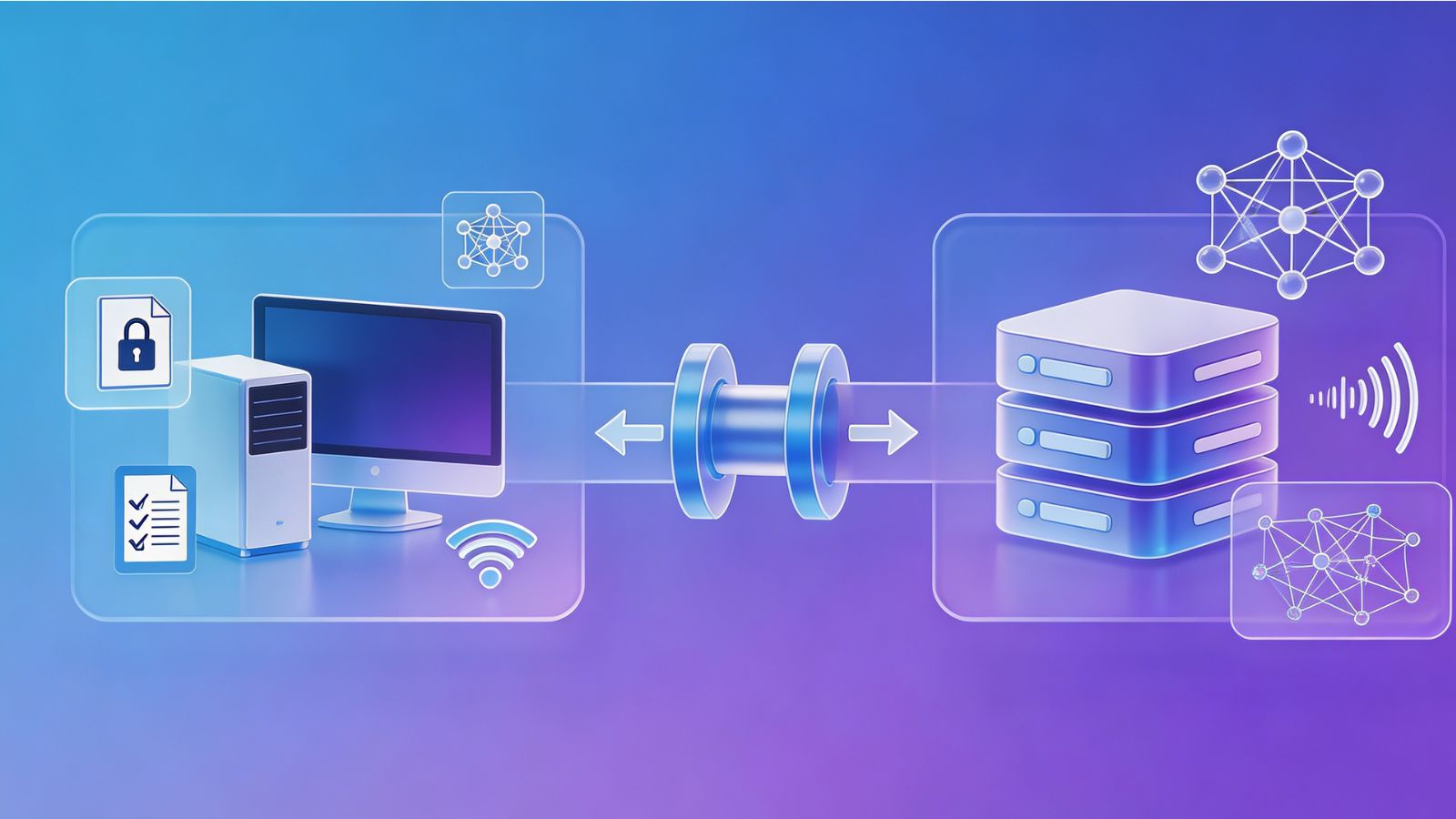
Buying the most expensive computer is not necessarily the right starting point. The better approach is to match the hardware to the model and workload you actually plan to use.
Workload: A small text model can have very different requirements from a large multimodal model. Decide whether you mainly need text generation, document processing, image understanding, speech processing, or another workload before choosing hardware.
Memory and VRAM: Available GPU memory, unified memory, and system RAM can strongly influence which models you can run efficiently. A powerful processor does not compensate for insufficient memory when the model itself cannot fit comfortably into the available resources.
Quantization Support: Quantization can reduce the memory and storage requirements of a model by representing its parameters with lower-precision numerical formats. Tools such as llama.cpp support multiple quantization approaches, making this an important consideration for local deployment.
GPU or AI Accelerator: Hardware acceleration can significantly affect inference performance. Depending on the platform, that may come from a discrete GPU, integrated GPU, NPU, or other accelerator.
Storage: SSD capacity matters because model files can be large, particularly when keeping several models or different quantized versions for testing.
Software Compatibility: Check whether the model and inference software support your operating system and hardware backend before purchasing new equipment. Compatibility can matter as much as raw hardware specifications.
Expected Speed: Think about whether you need near-instant responses or can tolerate slower generation. A system that technically runs a model may still be unsuitable if its output speed is too slow for your workflow.
Testing the model on existing hardware before upgrading can prevent unnecessary spending. A smaller model that performs adequately may eliminate the need for an expensive GPU.
Running AI on personal hardware is not simply about avoiding cloud subscriptions.
Its deeper appeal is control: control over where data is processed, which model is used, whether the system works offline, how the model is integrated into other applications, and how long a particular model remains in service.
That control comes with responsibilities. Hardware has limits, local models require maintenance, and privacy still depends on the complete software environment.
For users with the right workload, though, local AI turns a language model from a remote service into something closer to a component of their own computer. As consumer hardware and smaller open models continue to improve, that distinction is becoming increasingly practical rather than merely experimental.