
Decoding the technologies of tomorrow, today.
Exploring the breakthrough innovations shaping our world. From AI infrastructure and robotics to biotech, quantum computing, and spatial tech.
Exploring the breakthrough innovations shaping our world. From AI infrastructure and robotics to biotech, quantum computing, and spatial tech.
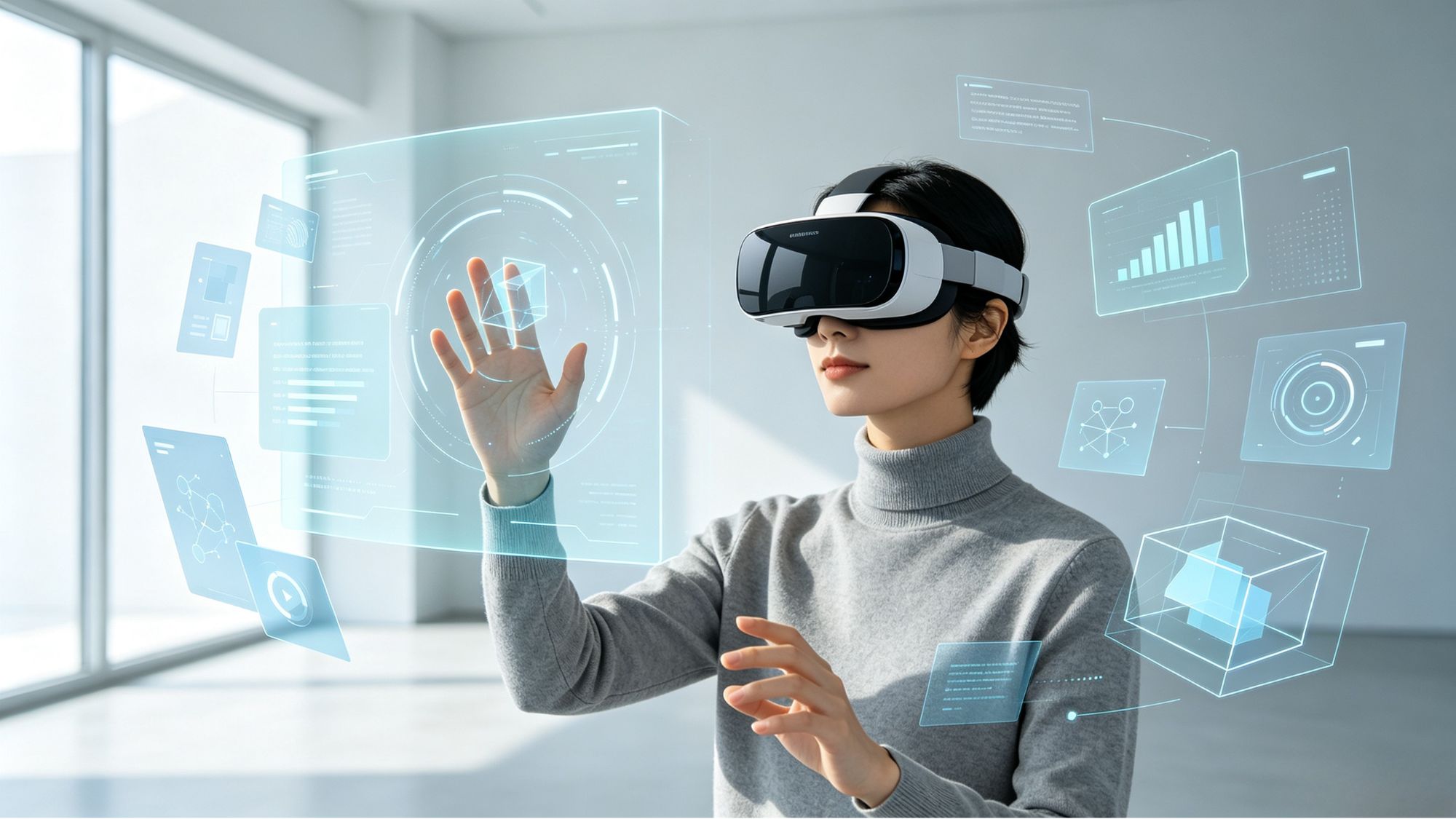
The way humans interact with computers has evolved dramatically over the past few decades. From keyboards and mice to touchscreens and voice assistants, each generation of interfaces has attempted to make digital interaction more natural and efficient.
As virtual reality (VR), augmented reality (AR), and spatial computing continue to develop, traditional input devices are being complemented by new interaction methods. Among the most important technologies are eye tracking, hand tracking, and gesture recognition.
These systems allow users to control digital environments through gaze, movement, and natural gestures. However, each technology has unique advantages and limitations. Understanding how they work together reveals why the future of computing will likely rely on multiple input methods rather than a single replacement for traditional controls.
Eye tracking allows computers to understand where a user is looking. By using infrared cameras and sensors inside devices such as spatial computing headsets, systems can monitor eye movement and estimate the user's focus point in real time.
Unlike traditional controllers that require physical movement, eye tracking uses a natural human behavior: visual attention.
The main advantage of eye tracking is speed. Human eyes can quickly move between objects, allowing users to select or highlight digital elements almost instantly.
Common applications include:
Target Selection: Users can look at a button, menu item, or virtual object to highlight it before confirming an action.
Interface Navigation: Eye tracking can help users move through complex spatial interfaces without searching manually through menus.
Foveated Rendering: By identifying where the user is looking, systems can prioritize high-resolution rendering in the center of vision while reducing detail in peripheral areas. This helps improve graphics performance while maintaining visual quality.
Although gaze is fast, it is not always intentional. People naturally look around their environment without wanting to activate anything.
This creates the “Midas touch” problem: if every glance triggers an action, the interface quickly becomes frustrating.
For this reason, eye tracking is usually combined with another input method, such as a hand gesture, voice command, or physical button confirmation.
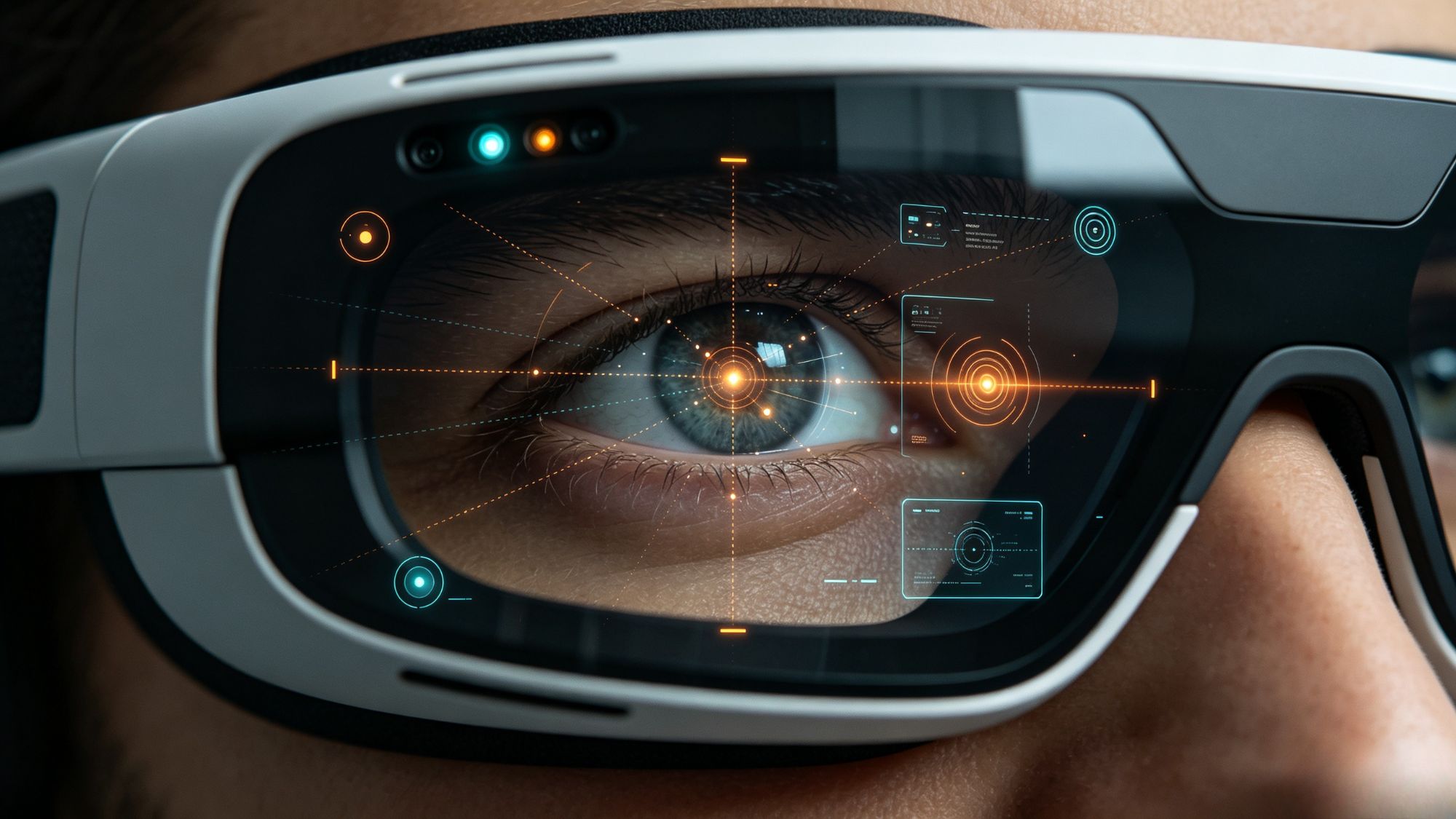
While eye tracking identifies where attention is directed, hand tracking allows users to interact with digital objects.
Instead of holding a controller, users can manipulate virtual content using their own hands. Cameras and depth sensors track finger positions, palm movements, and hand orientation to create a digital representation of physical movement.
Modern hand tracking systems rely on computer vision models that analyze camera data and estimate the position of key points on the hand.
This enables interactions such as:
Direct Manipulation: Users can pinch, grab, move, and resize virtual objects in a way that resembles real-world interaction.
Natural Controls: Common actions, such as opening a hand or bringing two fingers together, can become system commands without requiring users to memorize complicated controls.
Because these movements are based on familiar physical behaviors, hand tracking can make spatial interfaces easier to understand for new users.
Despite its advantages, hand tracking still faces technical challenges.
The system requires clear visibility between sensors and the user's hands. If hands move outside the tracking area or become blocked from view, accuracy may decrease.
Another challenge is the lack of physical feedback. Pressing a virtual button or grabbing a digital object does not provide real resistance, which can make long sessions feel less natural and may contribute to hand fatigue.
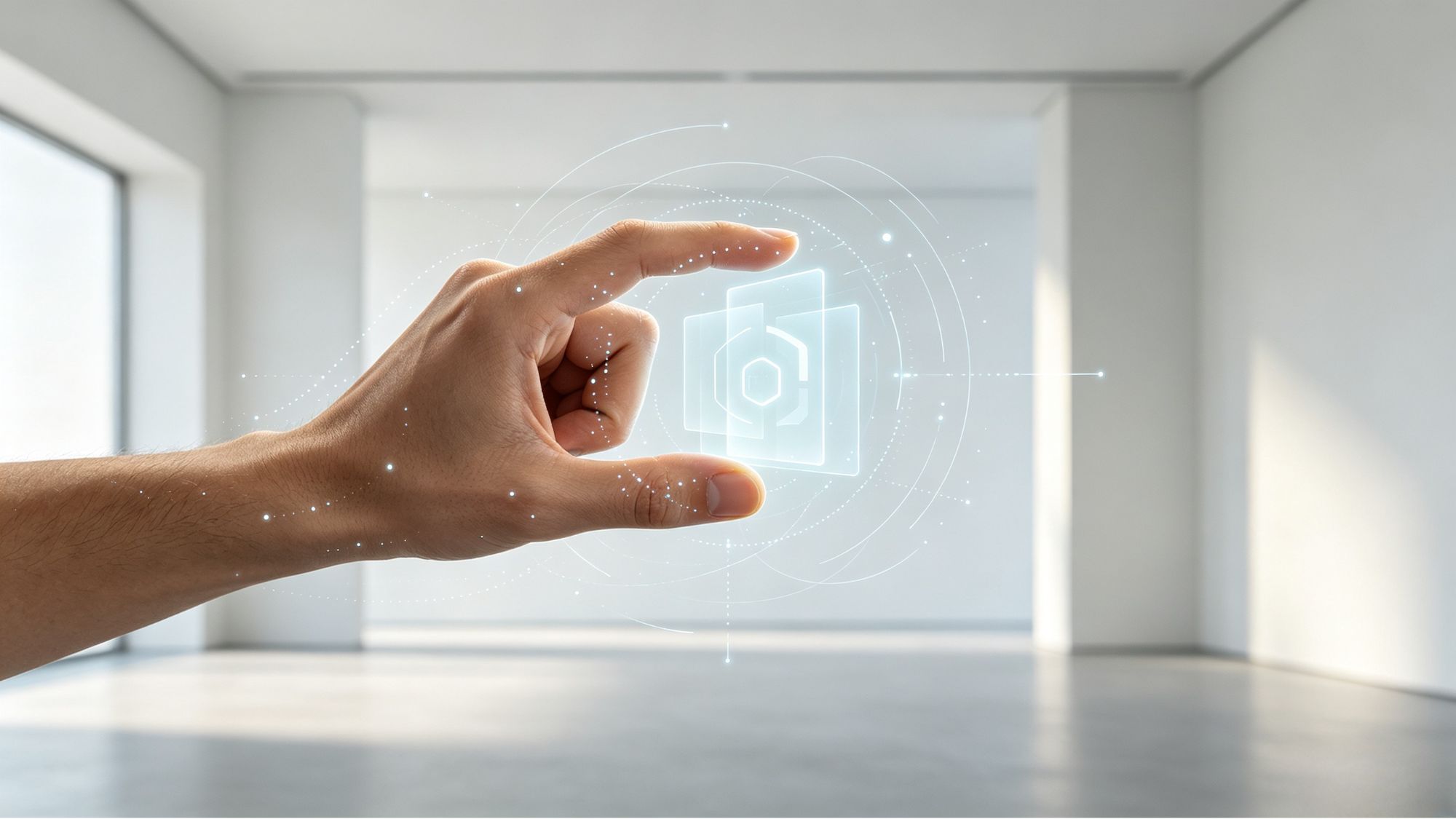
Gesture recognition focuses on interpreting specific movements or poses as meaningful commands.
While hand tracking answers the question “where is the hand?”, gesture recognition answers “what does this movement mean?”
Machine learning models analyze hand positions, movement patterns, and timing to classify gestures.
Gesture systems generally recognize two types of movements:
Static Gestures: A fixed hand position, such as an open palm or a specific finger pose, used to trigger an action.
Dynamic Gestures: A movement pattern, such as swiping through the air or drawing a shape, used as a command.
These gestures can simplify interactions by replacing complicated menu operations with quick physical actions.
The biggest challenge is reliability. Human movement is naturally varied, and many everyday motions can look similar to intentional commands.
If recognition is too sensitive, accidental gestures may activate unwanted functions. If the system is too strict, users may need to memorize unnatural movements.
Successful gesture design requires finding a balance between simplicity and accuracy.
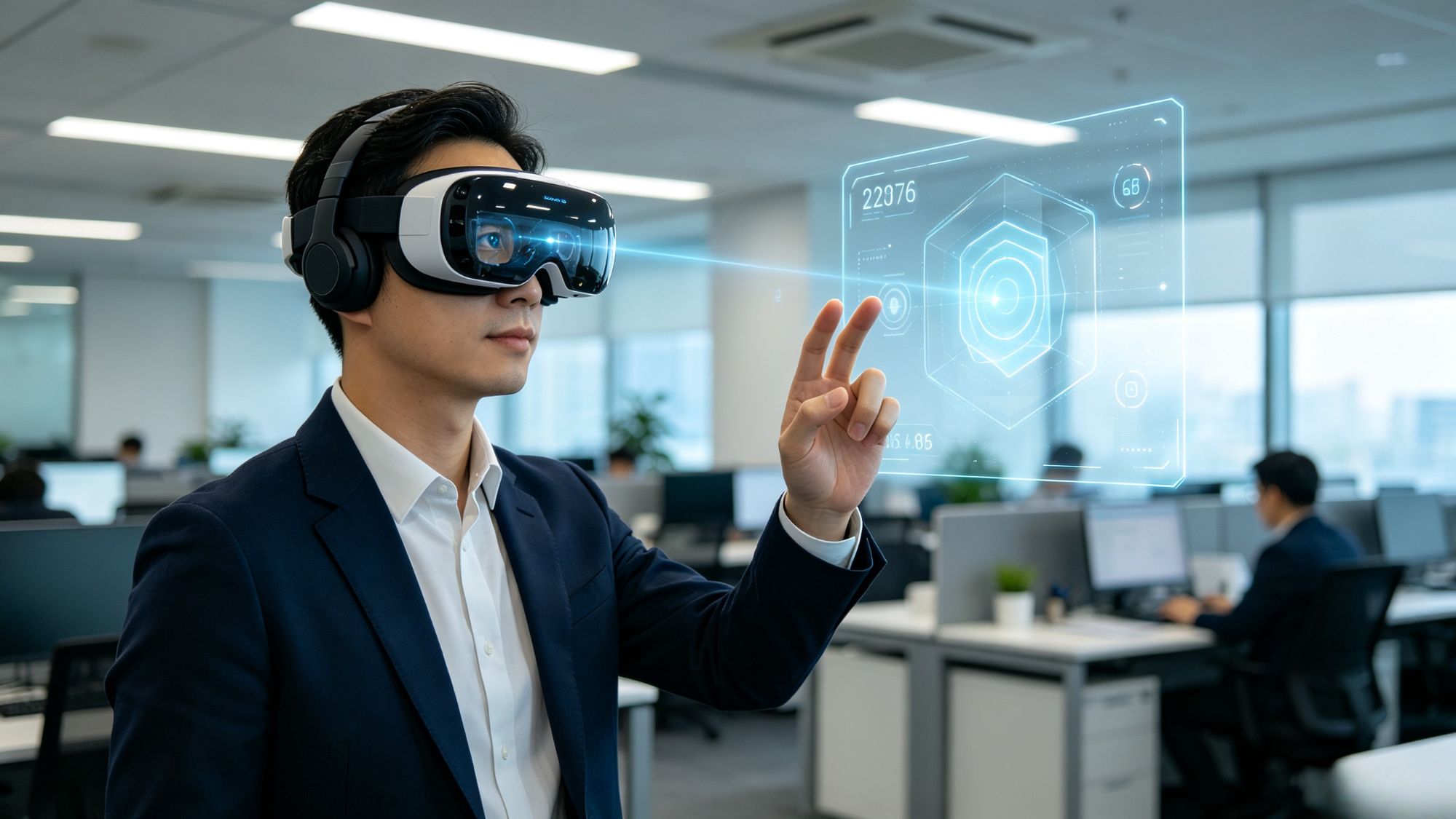
The future of spatial computing is unlikely to depend on one single input technology. Instead, the most effective interfaces combine eye tracking, hand tracking, and gesture recognition.
Each method performs a different role:
Eyes provide fast targeting.
Hands provide precise manipulation.
Gestures provide quick shortcuts.
One common example is the “look-and-pinch” interaction model. A user looks at a virtual object to select it, then performs a small finger movement to confirm the action.
This combination reduces unnecessary movement while maintaining accuracy. Instead of forcing one input method to handle every task, multimodal systems distribute interaction based on human strengths.
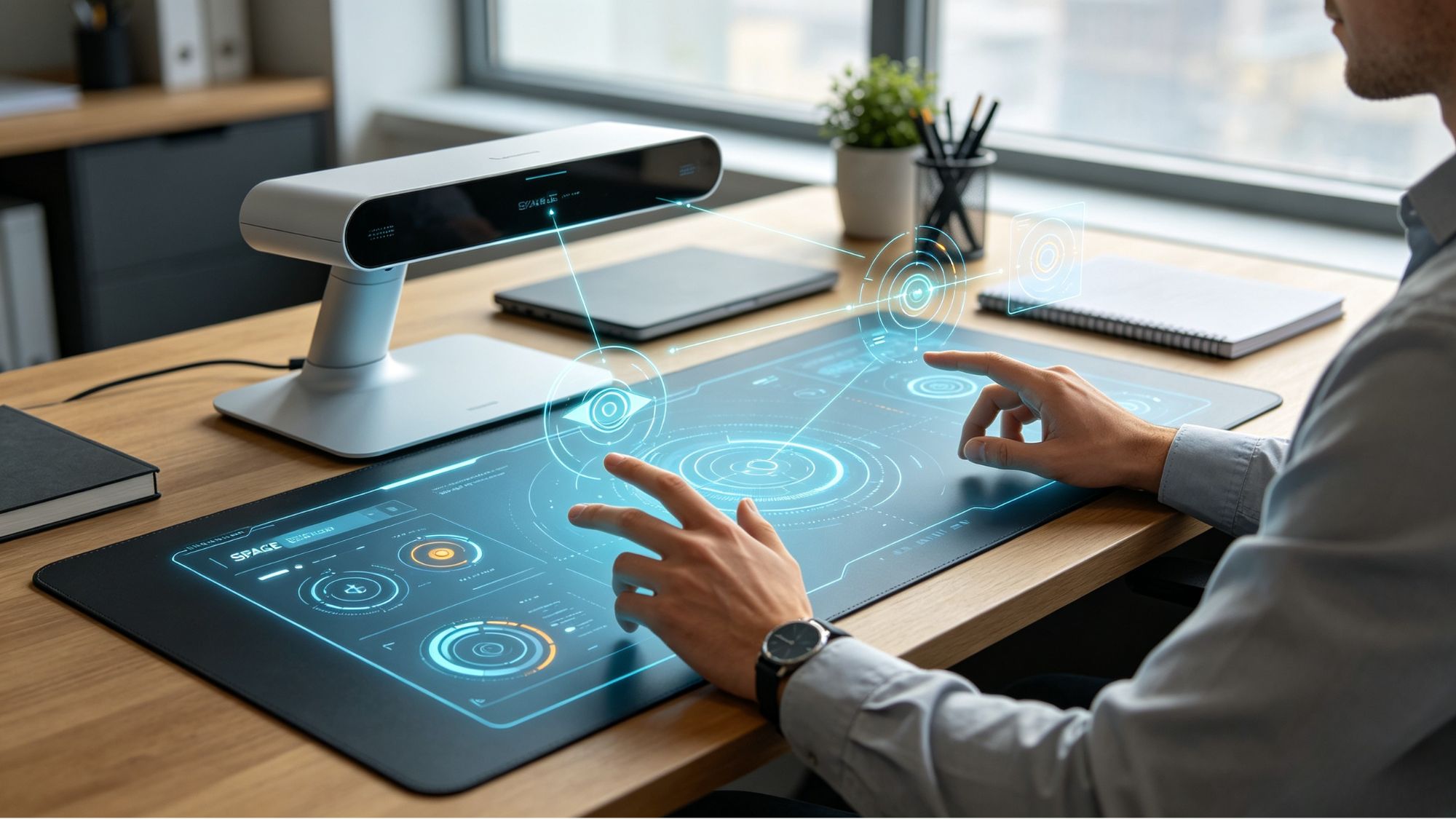
Eye tracking, hand tracking, and gesture recognition are becoming important building blocks for next-generation computing interfaces.
Eye tracking helps systems understand user attention, hand tracking enables natural interaction with digital objects, and gesture recognition transforms physical movements into commands.
Each technology still has limitations, but together they create more flexible and intuitive ways to interact with digital environments. As spatial computing continues to develop, these multimodal interfaces will play an important role in making virtual and augmented experiences feel more natural and accessible.